Using FortiFone at HOME during FID Days
**In order to have the FortiFone work at home, you will need to activate your VPN first.
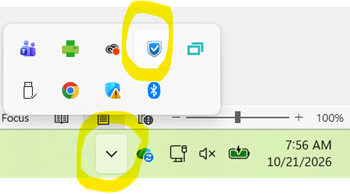
- In the lower right hand corner click on the arrow to see more icons and look for the blue shield. Right click. The first time you access it, you will need to Agree to terms and join. (You’ll see the agreement screen before the one on the right.)
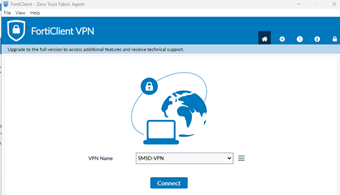
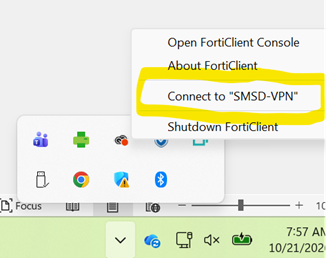
- Every other time (after the initial first time) Right click and “Connect to SMSD-VPN”
- Enter your SMSD credentials/password
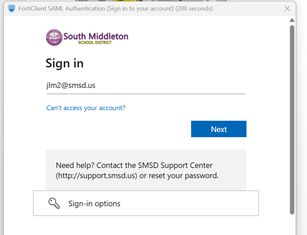
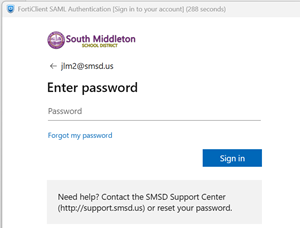
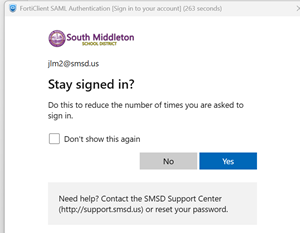
- Next, lauch your FortiFone App.
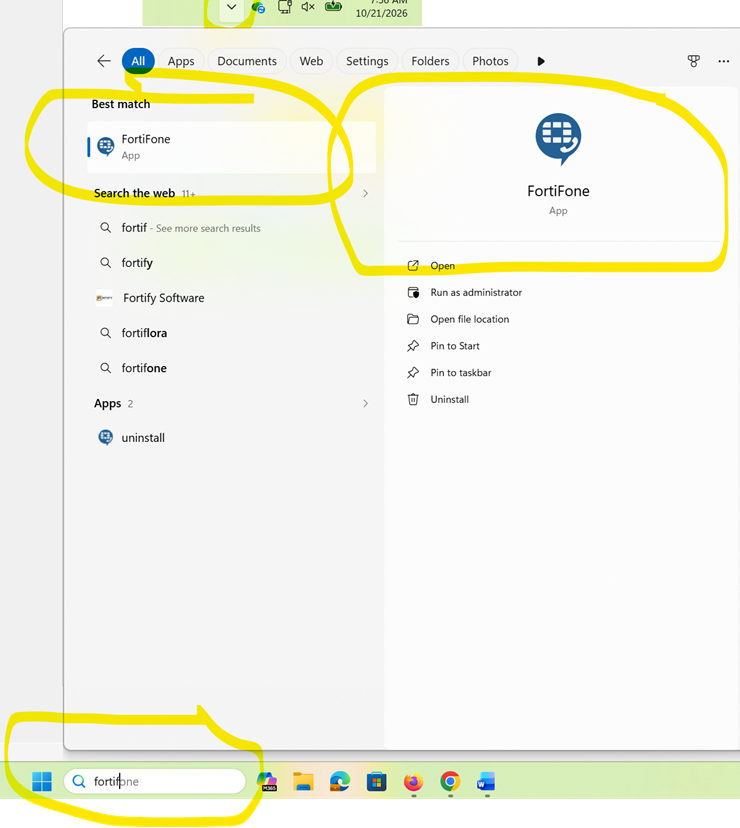
- Choose your account and enter the password. (12345 until you change it)
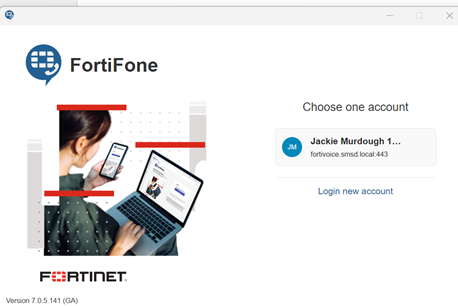
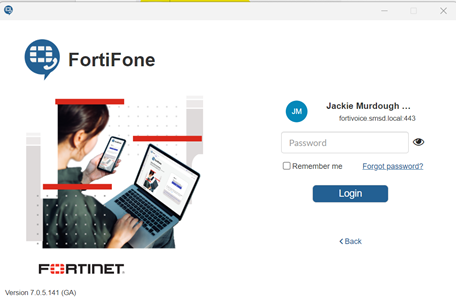
- Your screen may look this this:
This is where you can change your password from the initial 12345.
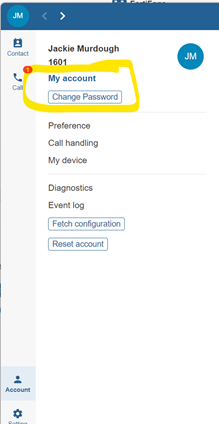
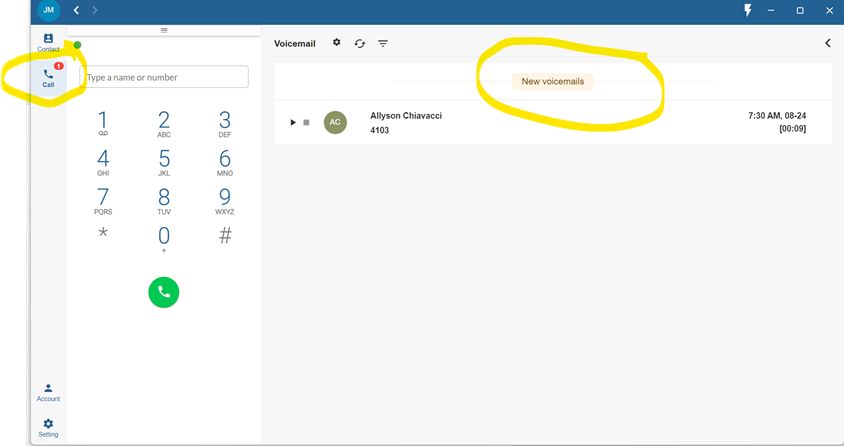
- Click on CALL icon to view keypad and Voicemails. Treat calls the same way you would when in building. (Dial 8 to get an outside line) You can minimize this screen while you work. X to close app when done for the day.