Note: If you have not yet installed Forticlient VPN, please install that first from Company portal.
Set up your Fortivoice Softphone on your laptop.
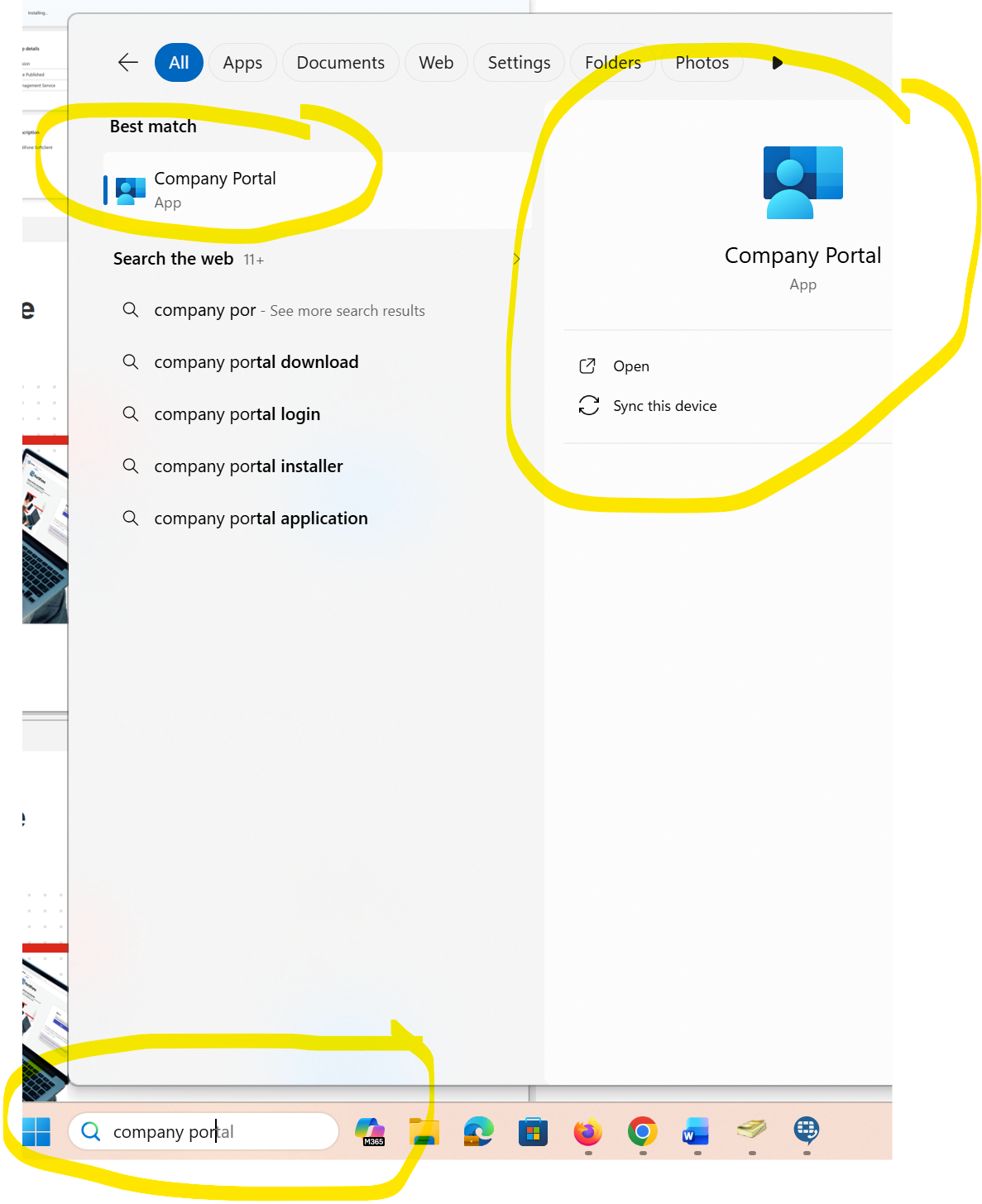
1. Go to Company Portal. (click on Start and type in Company Portal)
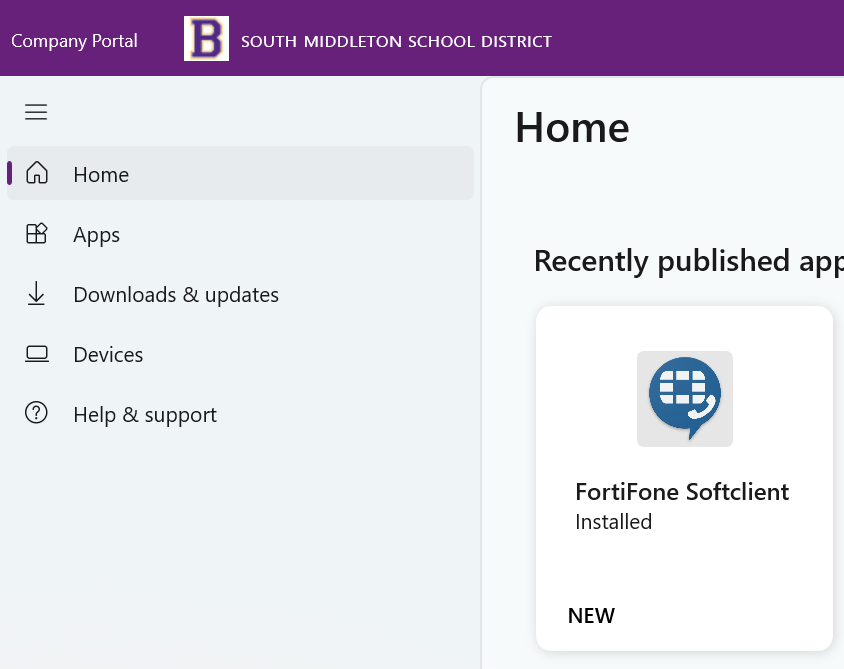
2. You should see Recently Published Apps under the Home Screen. If not, go to Apps and search for FortiFone Softclient.
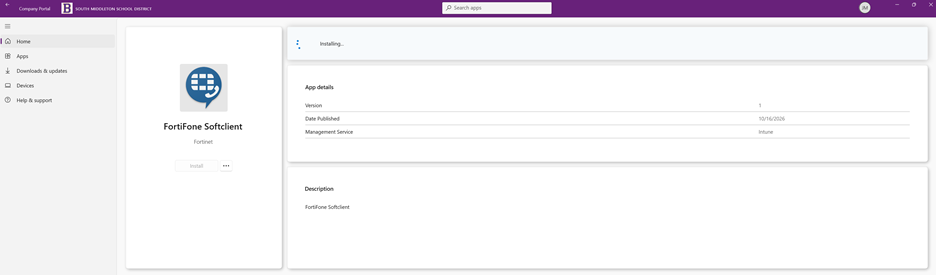
3. Install FortiFone Softclient
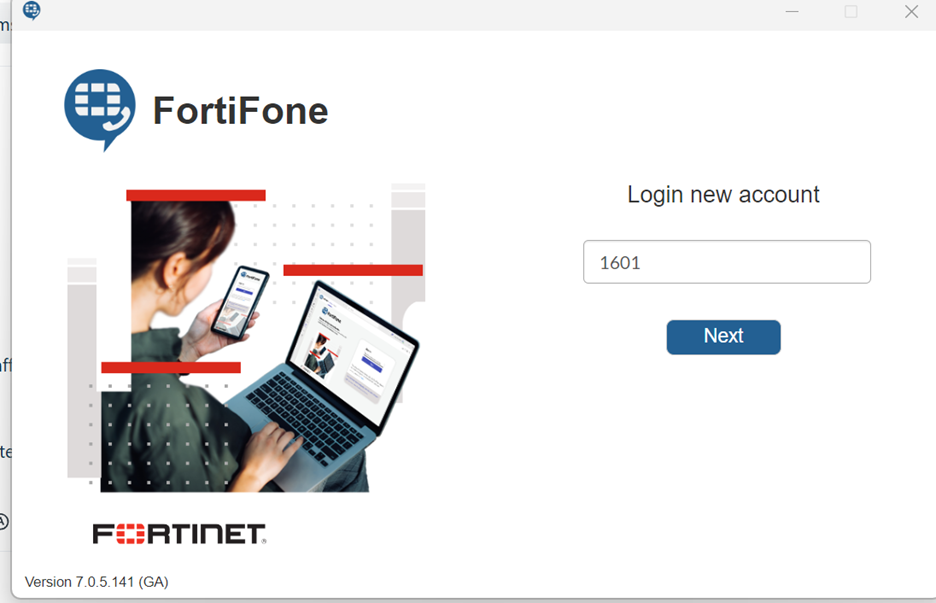
4. Enter your School extension. Next.
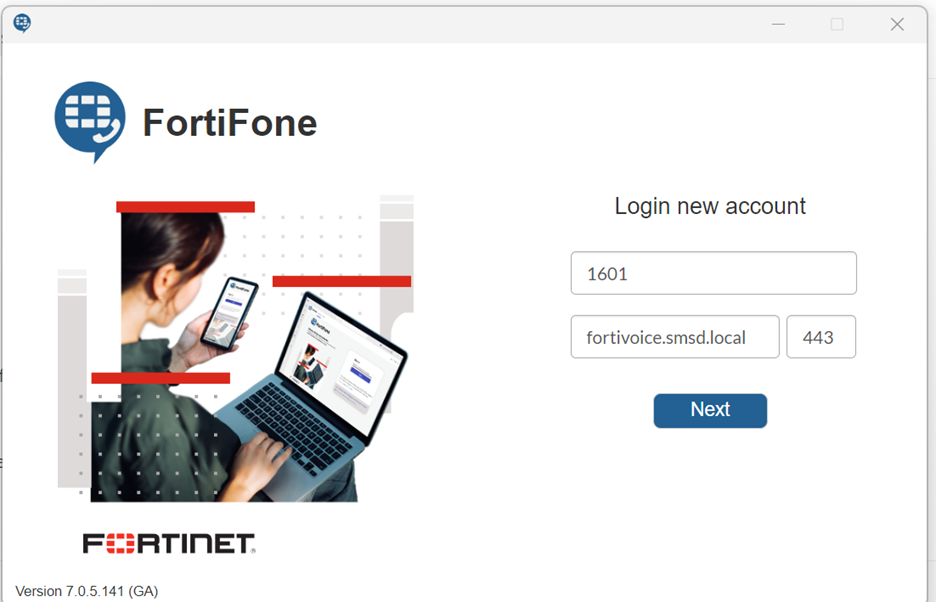
5. Enter fortivoice.smsd.us and 443. Next.
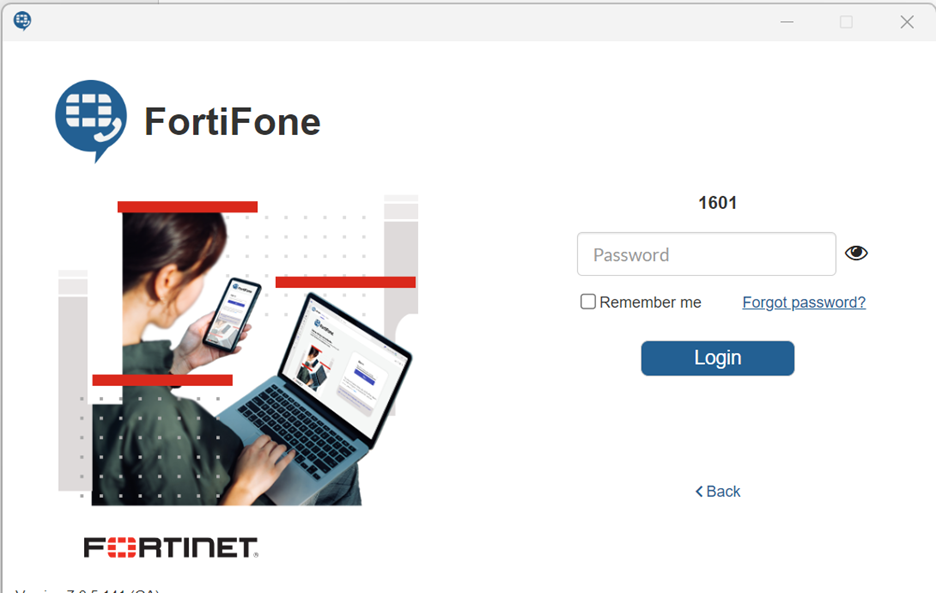
6. Enter your fortivoice password for online access. If you don't know, try 12345. Login.
7. You are now in and can now utilize your laptop as your phone. NOTE: You will still need to dial 8 to reach and outside number.
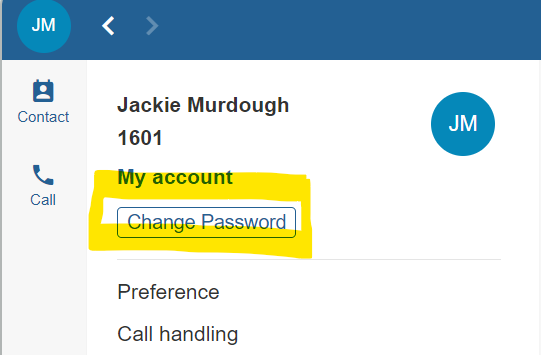
Change password for your account.
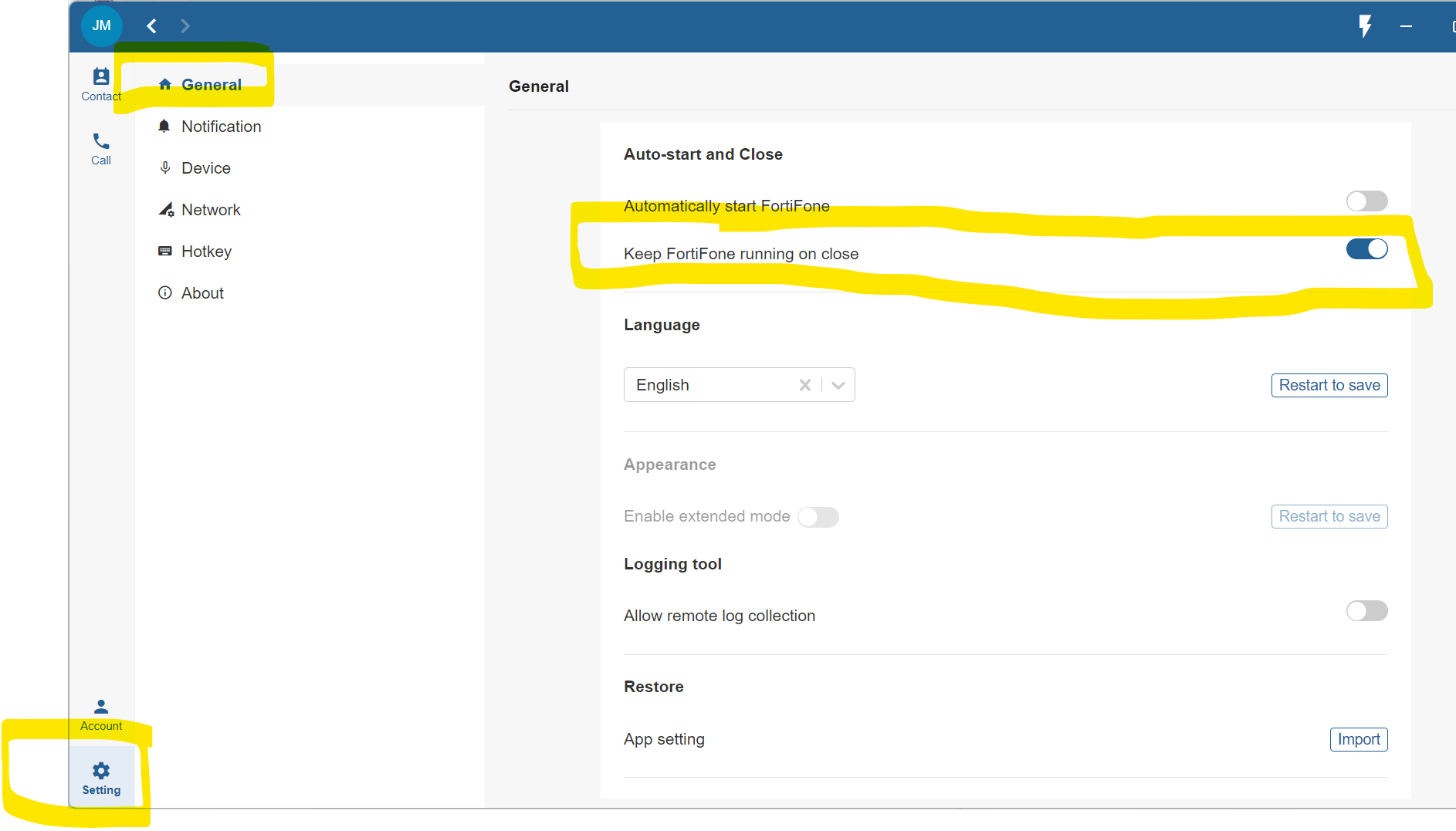
Turn OFF Keep Fortiphone running on Close. Otherwise, it will keep running despite hitting the X to close.
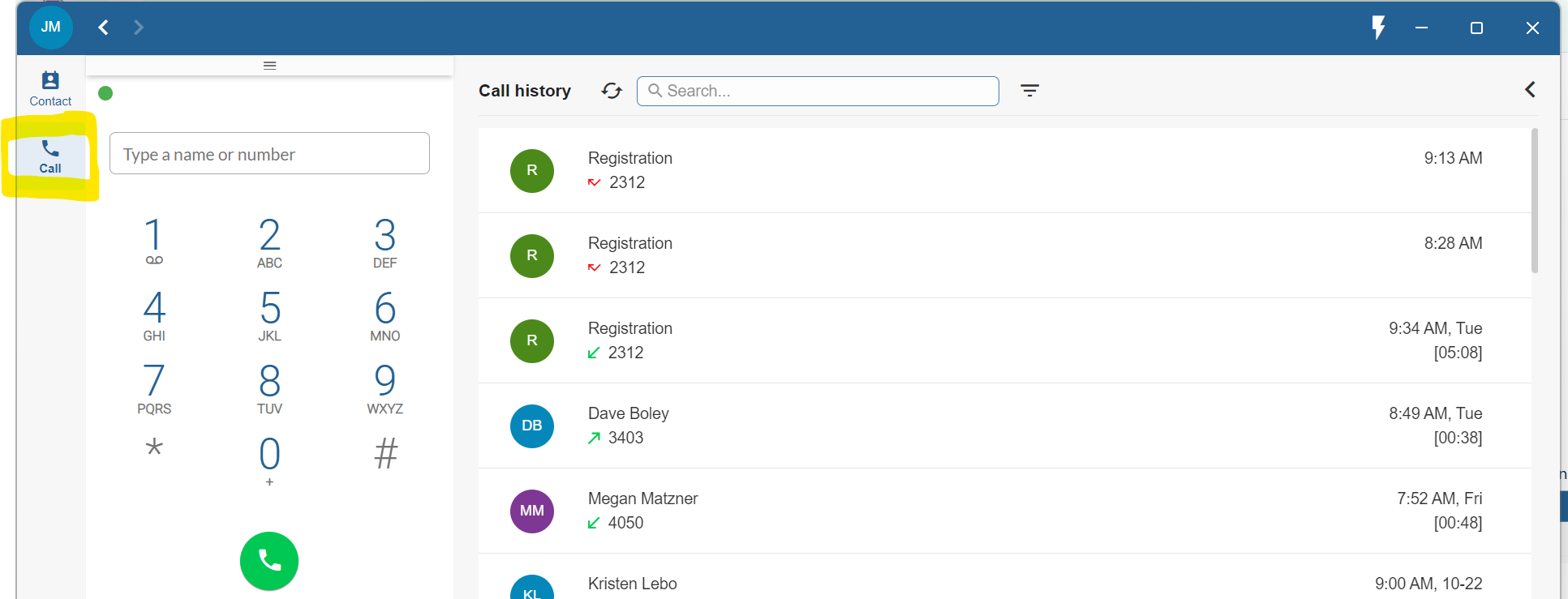
Call shows you the keypad and call history/voicemails.