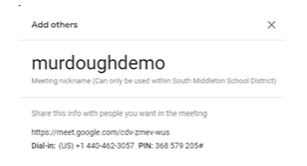
NOTE: Invitees will be able to click on a link to join, however, if using a phone, they must use Google Meet App.
You don't need a Google Account to participate in Meet video meetings. However, if you don't have a Google Account, the meeting organizer or someone from the organization must grant you access to the meeting. Tip: If you are not signed into a Google or Gmail account, you cannot join using your mobile device.
Teachers:
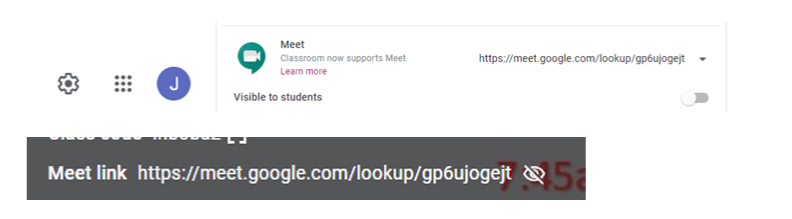
Google Meet Tips Nicknaming a Meet prevent students from entering a Google Meet before you’ve joined and rejoining a Google Meet after you leave. As such, don’t use the Google Meet link on the top of your Classroom, but instead set up a Nicknamed meet. If you’ve already done the Meet link on the top, go to the Gear shift (upper right) & Class Settings and make it not visible to students (line will show on the eyeball if not visible to students.)
 Creating your Nicknamed Meet:
1. Create a meet by typing g.co/meet/meetnickname (replace meet nickname with your class ie. g.co/meet/SundayELA or g.co/meet/SundayMath) Nicknames should be unique and can be reused.
 2. Click Join.
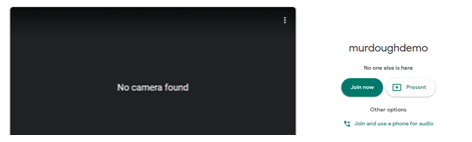
3. X close the pop up screen